
Products
Online
Nixware

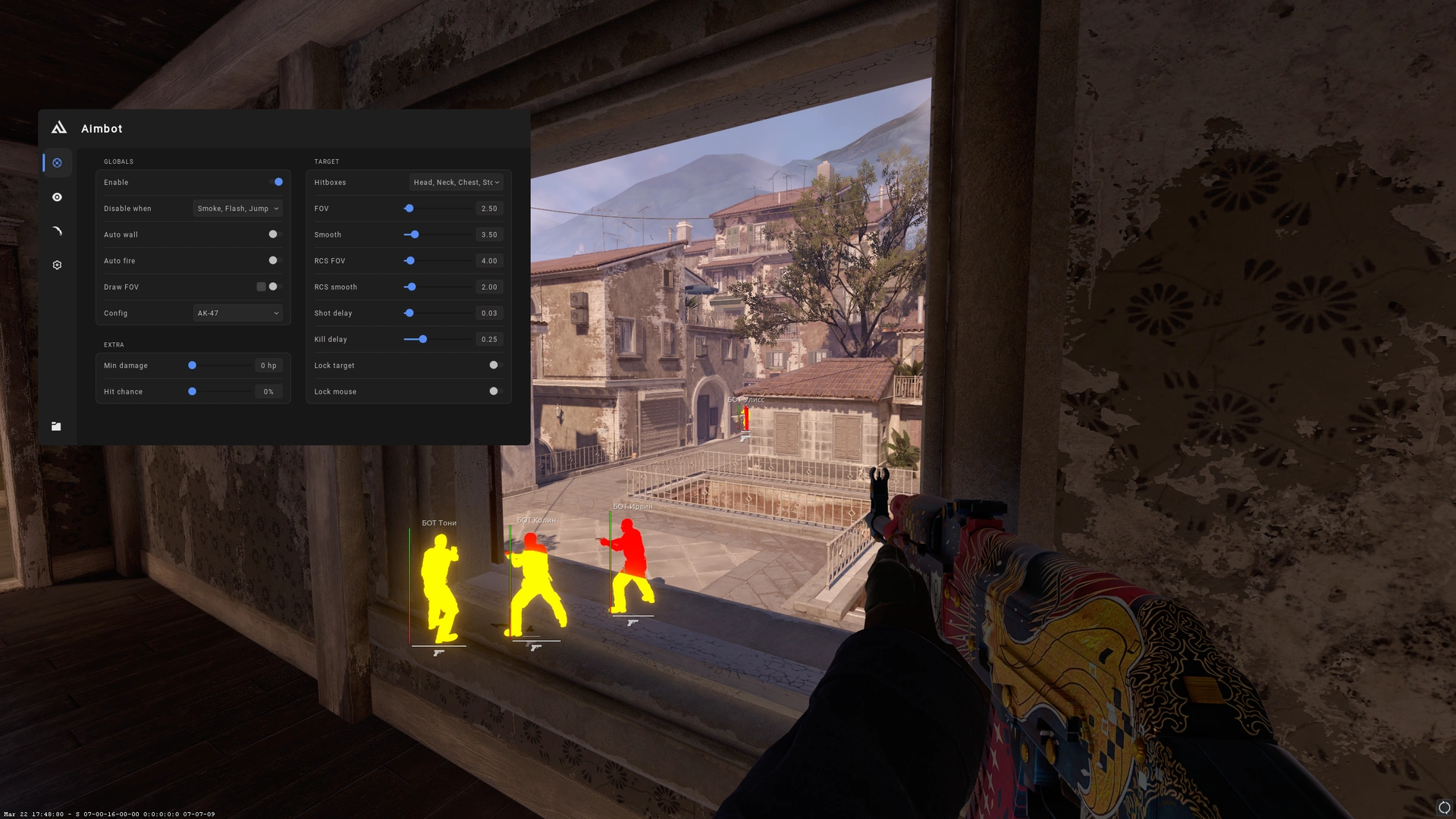
1 / 14
Product Information
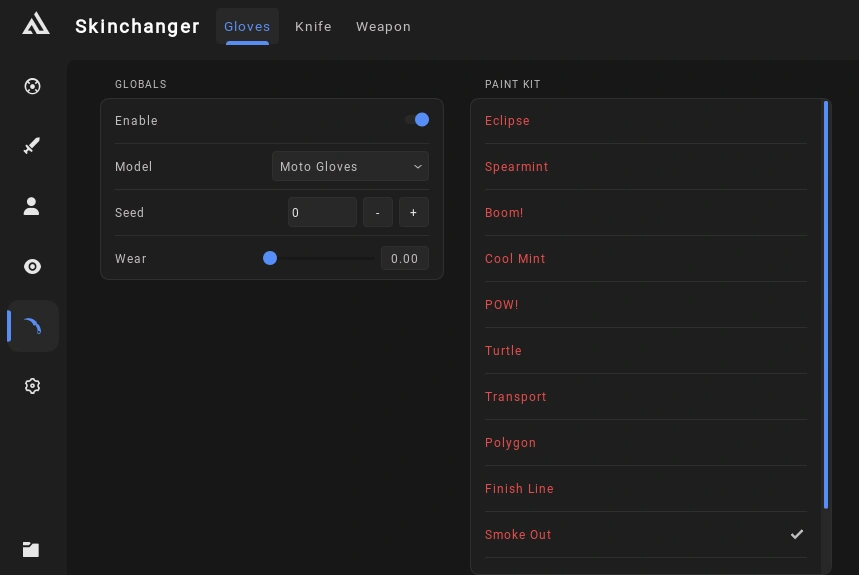
Get access to a wide range of features designed to provide customization and control over your CS2 gameplay. Featuring Legitbot, Ragebot, Visuals, Miscellaneous Settings, and Configuration Management, the software offers a variety of options to personalize your experience.
- Operating System: Windows 10 / 11
- Built-in Spoofer: No
- Last Detection: Never
- Game Client: Steam
- Processor: Intel / AMD
- USB Required: No
- Window Mode: All
No USB device is required, and the software supports all window modes for added flexibility.
Features
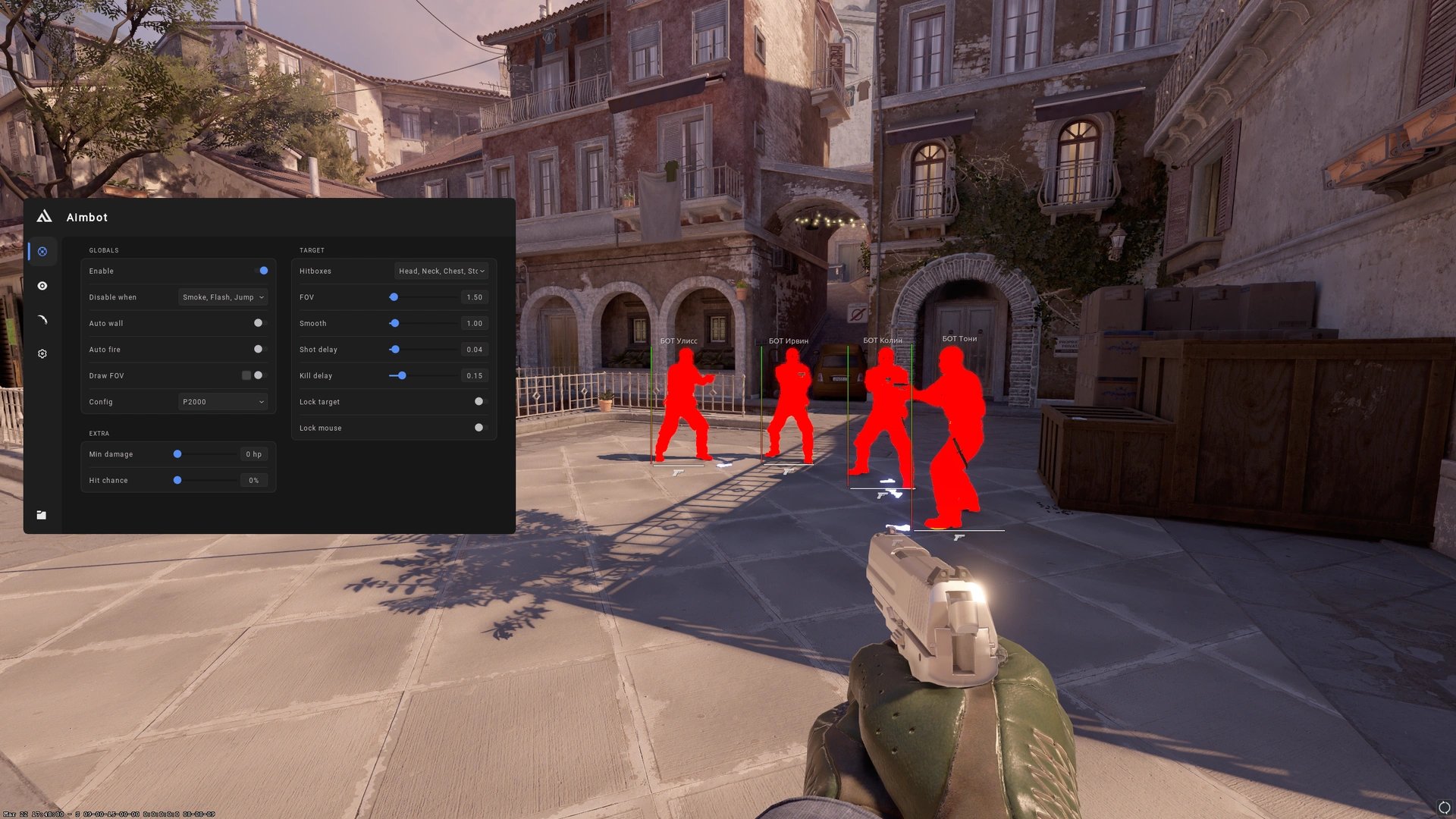
Legitbot
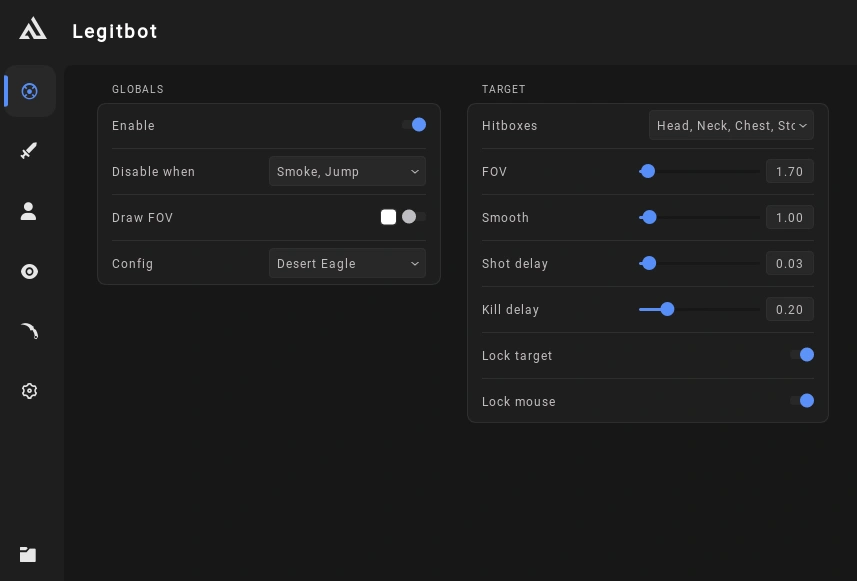
- Aim Assistance: Configurable field of view (FOV), hitboxes, and smoothing.
- Shot Settings: Adjustable shot delay and kill delay.
- Target Control: Lock target and lock mouse options.
- Additional Settings: FOV visualization and configurable disable conditions.
Ragebot
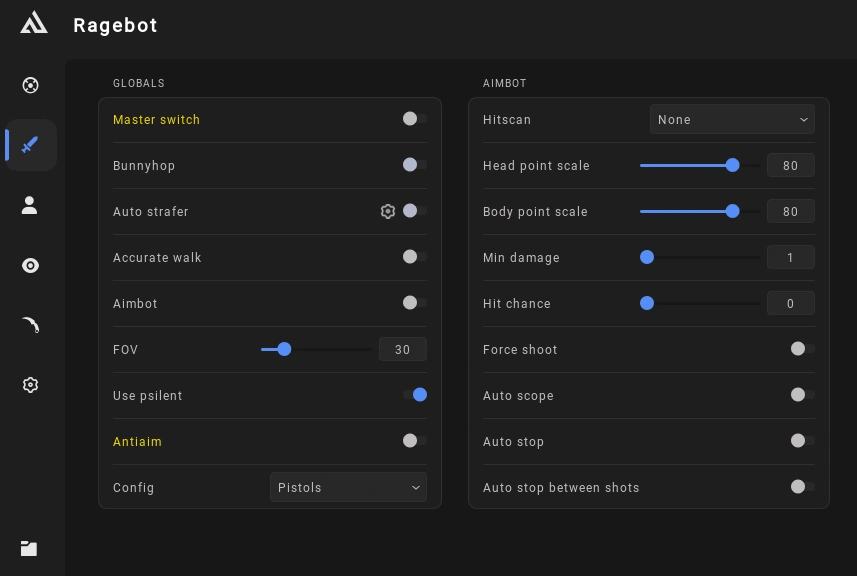
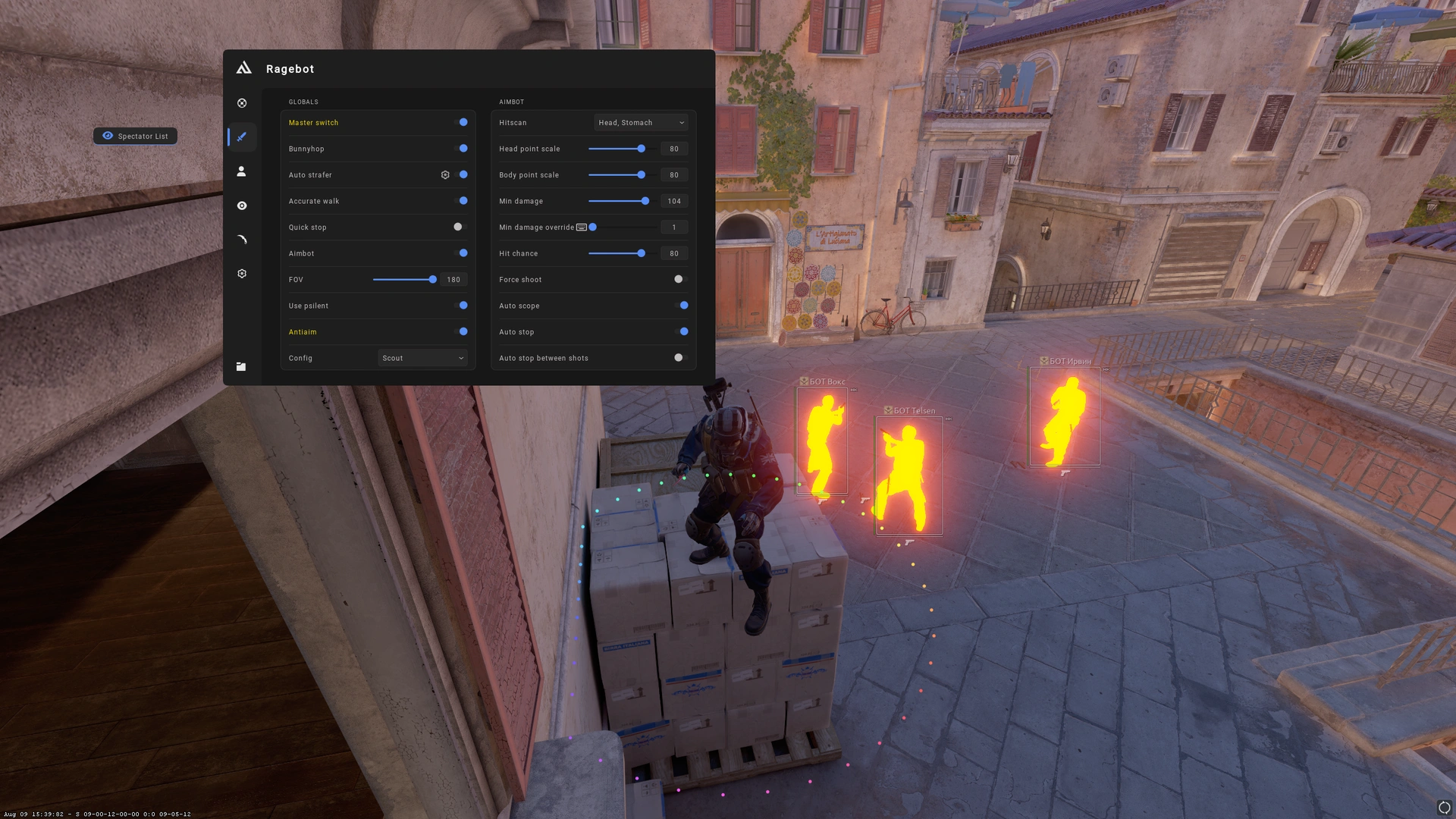
- Aimbot Settings: Aimbot, FOV changer, hitscan, head/body point scale, minimum damage, and hitchance.
- Shooting Options: Force shoot and PSilent.
- Anti-Aim: Configurable anti-aim options.
- Movement Assistance: Bunny hop, auto strafe with smooth adjustment, and accurate walk.
- Weapon Handling: Autoscope and autostop between shots.
Visuals
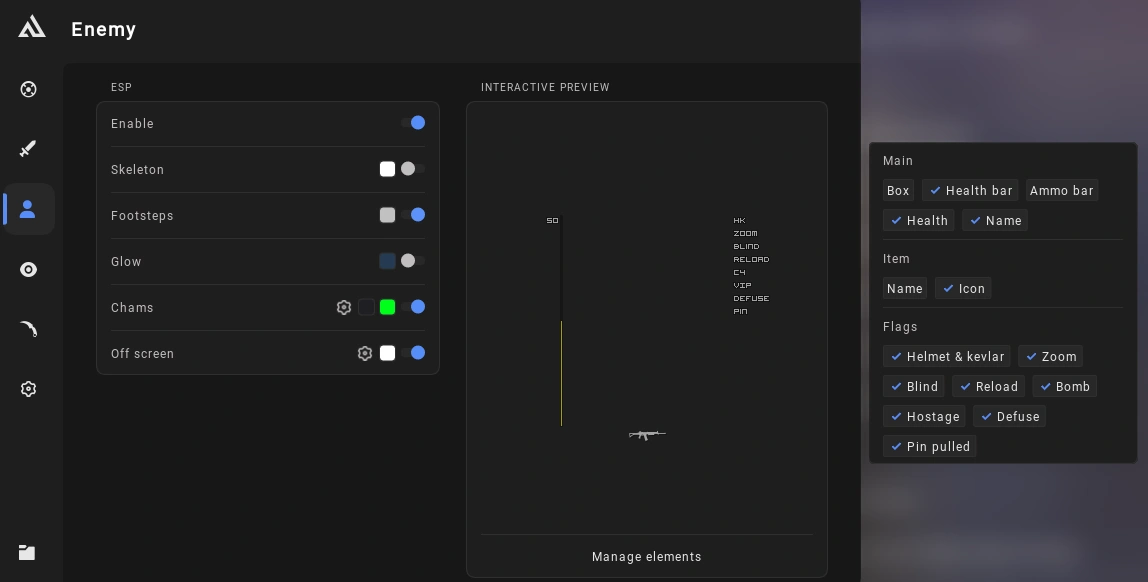
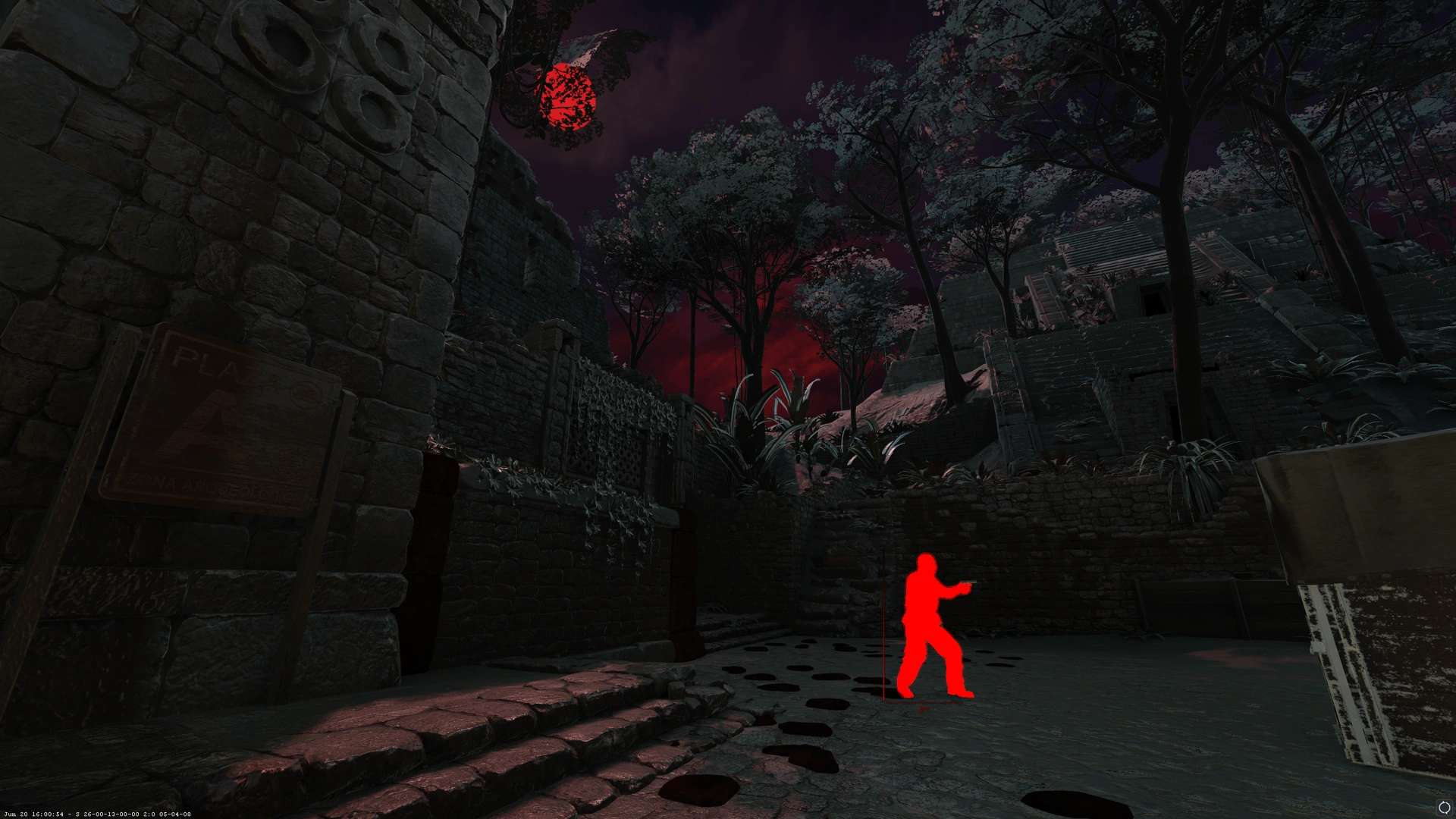
- Player ESP: Boxes, glow, skeletons, footsteps, names, and weapon names.
- Player Information: Health, health bars, and ammunition indicators.
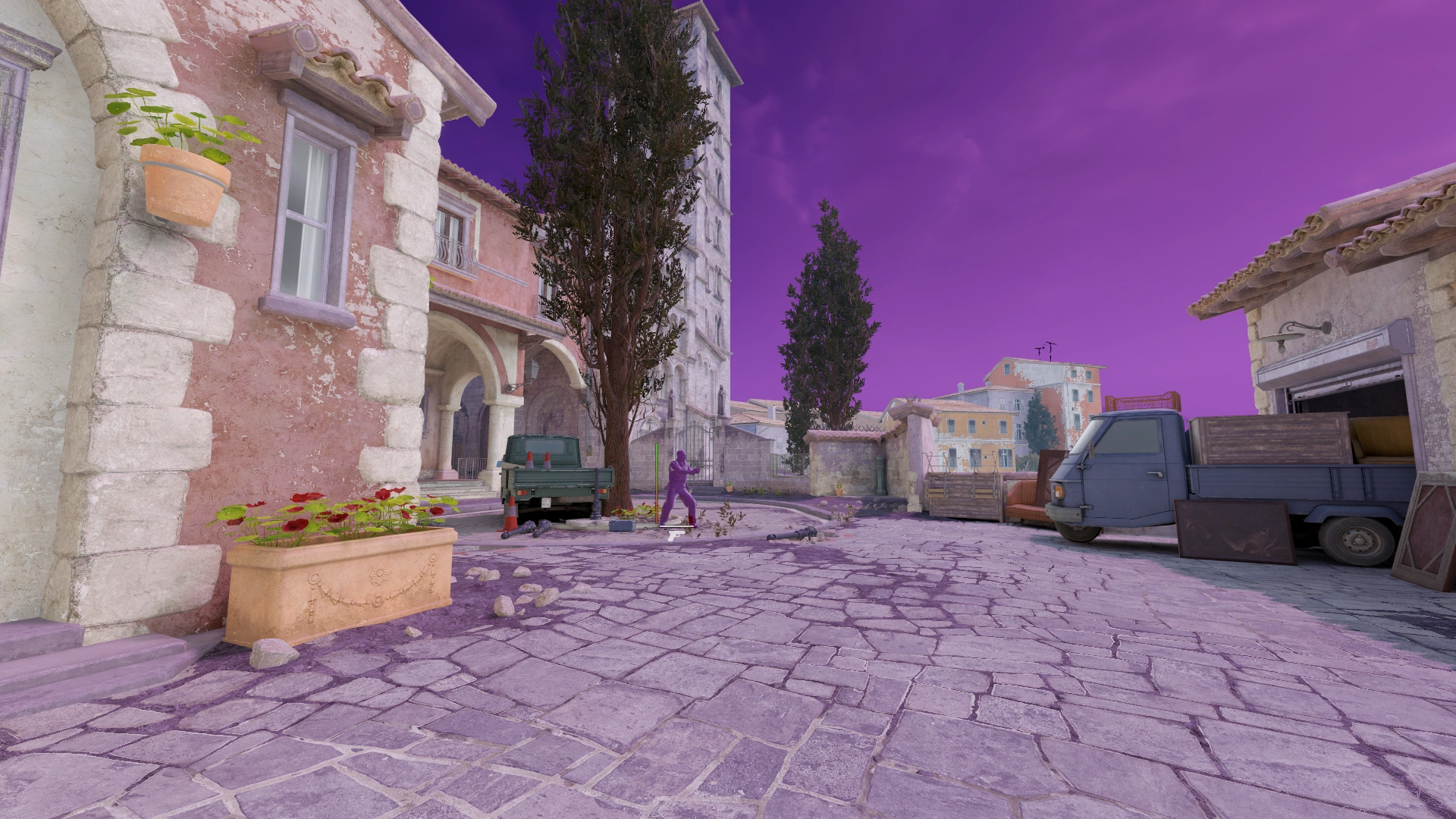
- Chams: Player chams and additional visual customization.
- Offscreen ESP: Indicators for players outside your field of view.
Miscellaneous
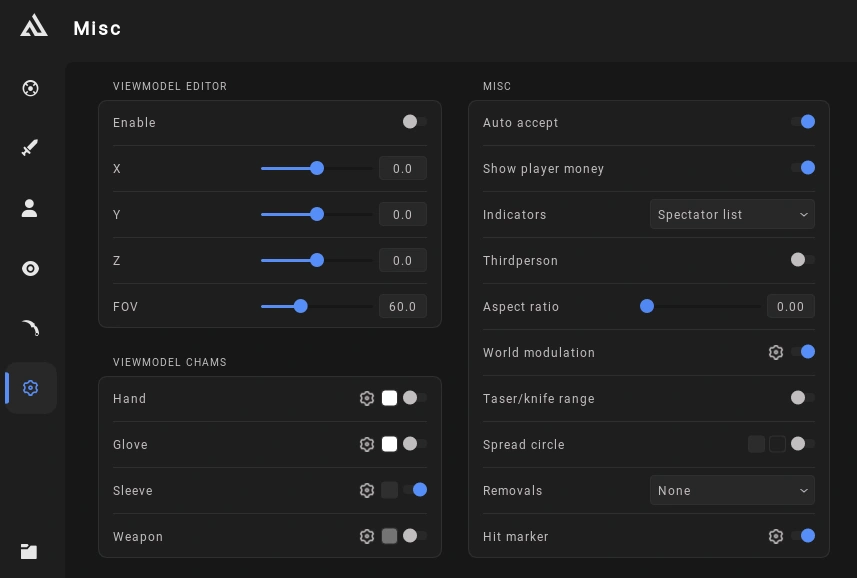
- View Model Customization: View Model Editor and View Model Chams.
- Appearance Settings: Hand chams, glove chams, sleeve chams, and weapon chams.
- Convenience Features: Auto accept, player money display, and spectator list.
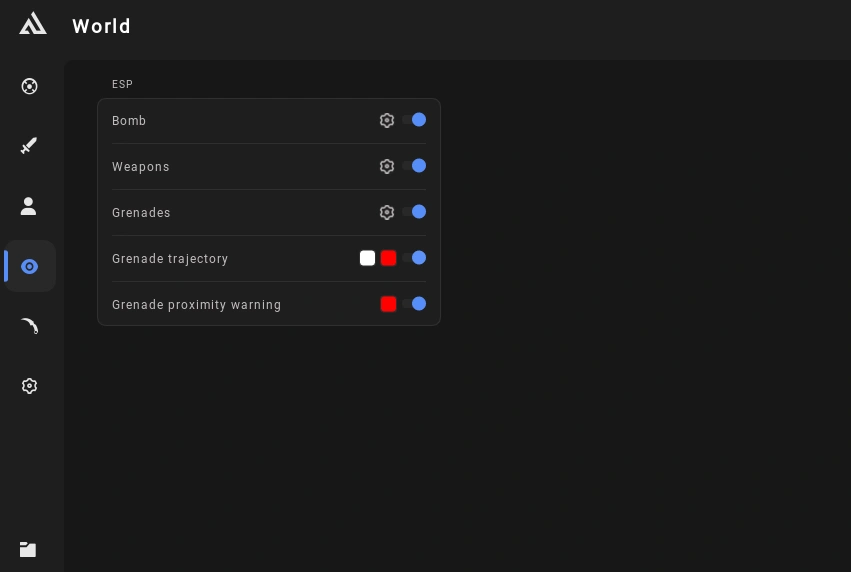
- World Modulation: Customization options for the world, clouds, sky, and sun.
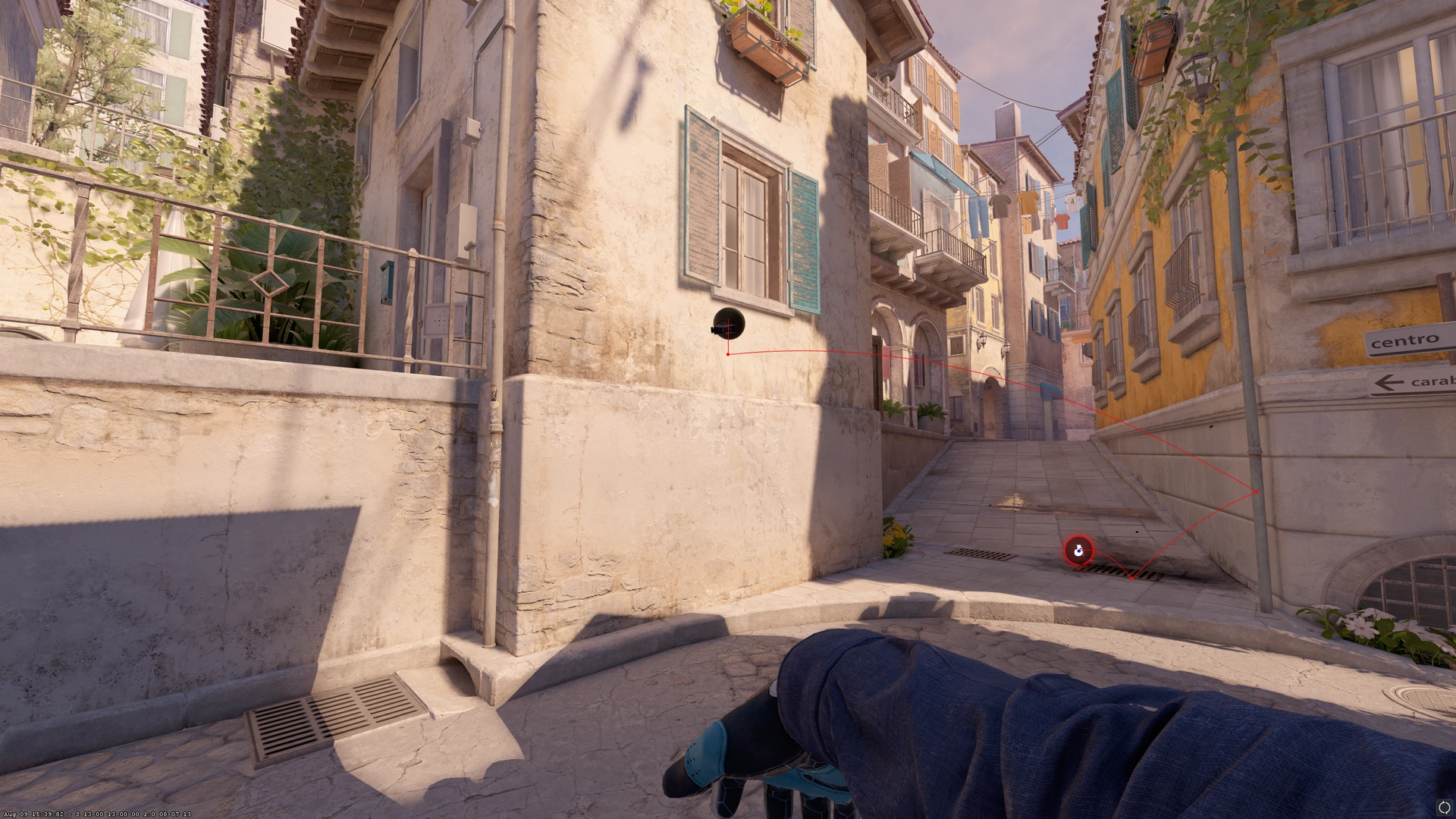
- Combat Indicators: Spread circle, taser/knife range, hit markers, and hit effects.
- Visual Adjustments: Aspect ratio, third-person mode, and configurable removals.
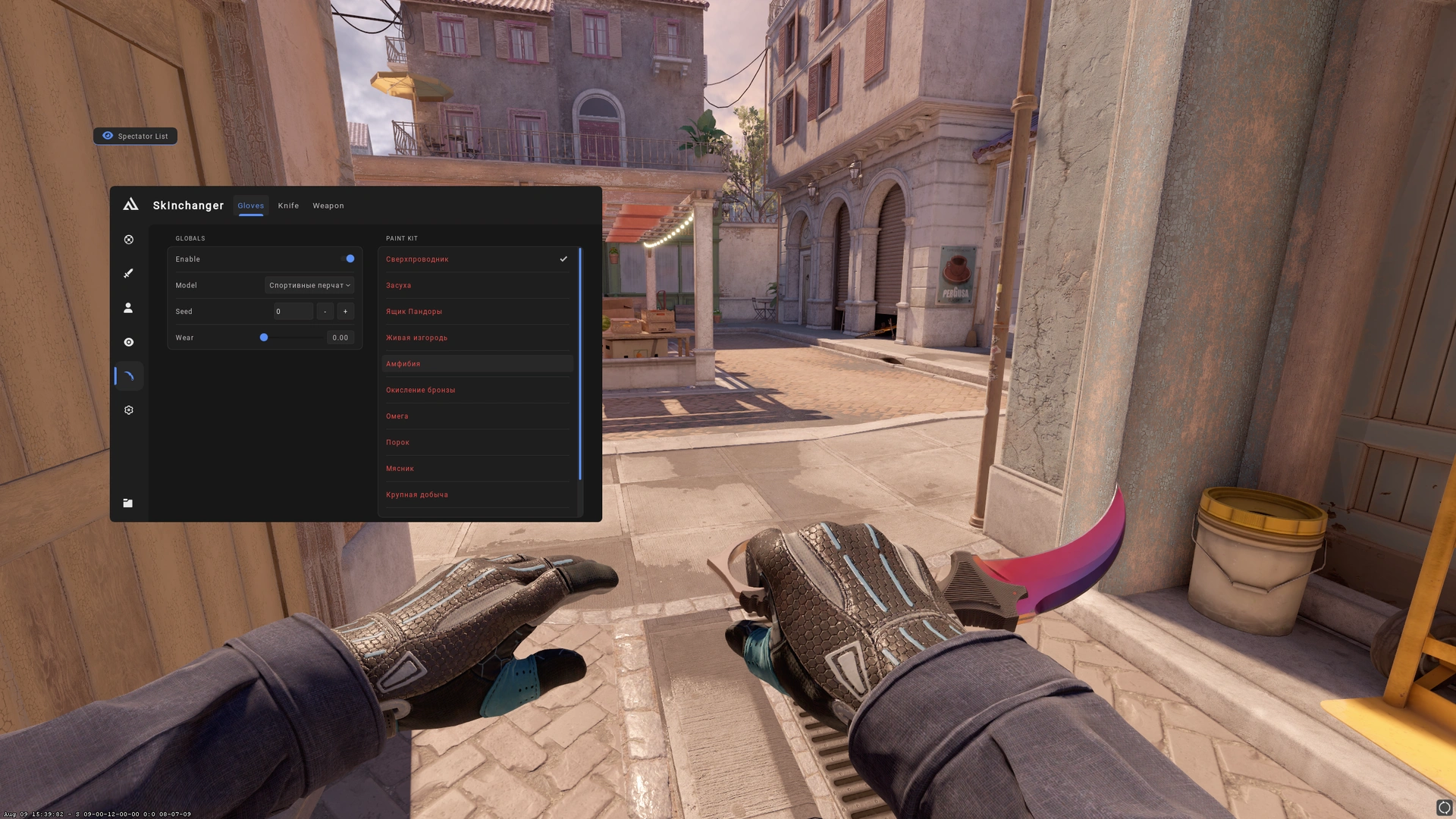
- Inventory: Inventory changer.
Configuration
- Local Configurations: Manage configurations stored locally.
- My Cloud Configurations: Access and manage your personal cloud configurations.
- Public Cloud Configurations: Access available public configurations.